Why WiFi drops out underwater, and how to get reliable live view with Seavu
Quick takeaway: If your camera is properly underwater, direct phone to camera WiFi will drop out. To get reliable underwater live view, you either keep the connection path in air, or you use a system designed for underwater live viewing.
Why the DJI Action 6 is so good underwater
Underwater filming is harsh. Light falls away quickly, colours shift, and movement is constant. That is why the Action 6 stands out as a practical underwater camera.
- Strong low light performance: Underwater light drops off quickly, especially early and late in the day or in deeper water. The Action 6 handles darker scenes well, so you get a cleaner picture with less noise when conditions are not perfect.
- Better colour balance underwater: Water filters out reds and warms fast, so footage can turn blue or green. The Action 6 does a great job keeping colours looking natural, which means less time fixing colour in editing and a more true to life view when you are watching live.
- Excellent battery performance for live view: Live view uses more power than normal recording. The Action 6 is a strong performer here, giving you longer viewing sessions per battery, which is ideal when you are running a Seavu setup and want to stay connected for as long as possible.
You can view official specs and ratings here: DJI Osmo Action 6 Specs.
Why WiFi drops out underwater
WiFi and Bluetooth both use radio signals. Water absorbs those signals extremely quickly, and saltwater is even worse. So when either your camera or your phone is underwater, the connection usually drops. Once both devices are back above water, the connection returns.
GoPro explains this behaviour clearly, and the same physics applies to all action cameras: Underwater WiFi Connection (GoPro Support).
What underwater live view really means in practice
Most people picture underwater live view as a direct camera to phone link. In reality, there are only two reliable approaches.
- Keep the WiFi path in air.
This can work if the camera is at the surface, or if the camera is close enough to the surface that the signal is not being asked to travel through water. - Use a purpose built system for underwater live viewing.
This is the reliable method when the camera is properly underwater, especially in saltwater and at depth.
Seeker Marine Kit: Best Seavu setup for DJI Action 6 live view on phone or tablet
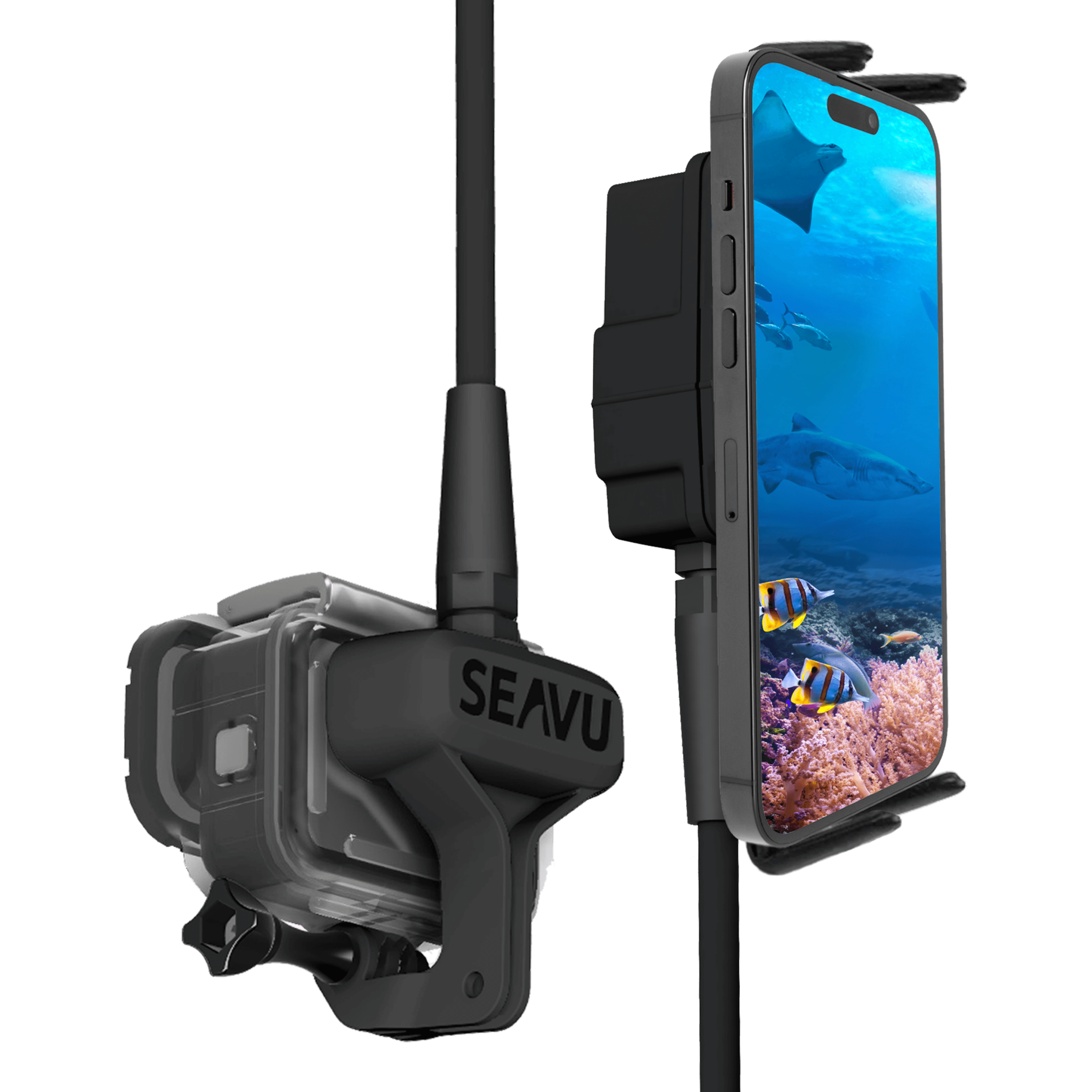
If your goal is live viewing on a phone or tablet, you want a system designed around underwater conditions. That is where the Seavu WiFi based kits shine, because they are built for stable live viewing while your phone or tablet stays safely above water.
- What it is best for: Live viewing and control on a phone or tablet from a boat, jetty, rocks, or shoreline setup.
- Why it works: It is designed for underwater live viewing, so you are not relying on WiFi travelling through water.
- Case note: Even though Action 6 is rated to 20m, many users still prefer a waterproof case for longer sessions, deeper drops, or extra protection around structure.
Also, the official DJI case is physically larger, so a compact third party case often fits and balances better on Seeker.
You can view the full Seeker kit details here: Seeker Marine Kit.
Explorer Adventure Kit: simple underwater live view with a housed setup
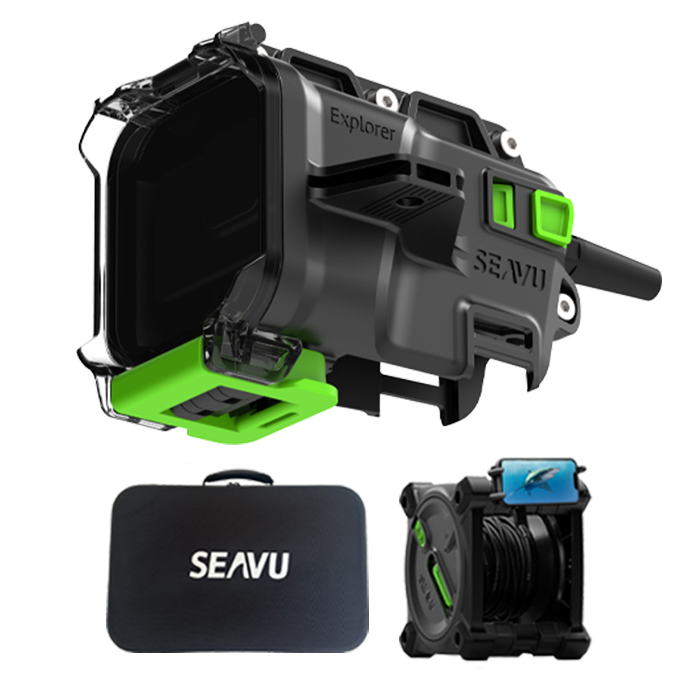
If you want a sealed housing style approach for underwater live view and filming, the Explorer system is built for that. It is a great option when you want straightforward deployment and confident protection.
You can view the full Explorer Adventure Kit details here: Explorer Adventure Kit
Best Seavu setup for DJI Action 6 live view on TVs, monitors, and computers
If your goal is live viewing on a TV, monitor, computer, capture card, or a pro display setup, WiFi is usually not the best tool. Instead, you want a clean video output workflow. That is where Seavu’s Explorer+ system fits.
Explorer+ Pro Kit:
https://seavu.com/product/explorer-plus-pro-kit/
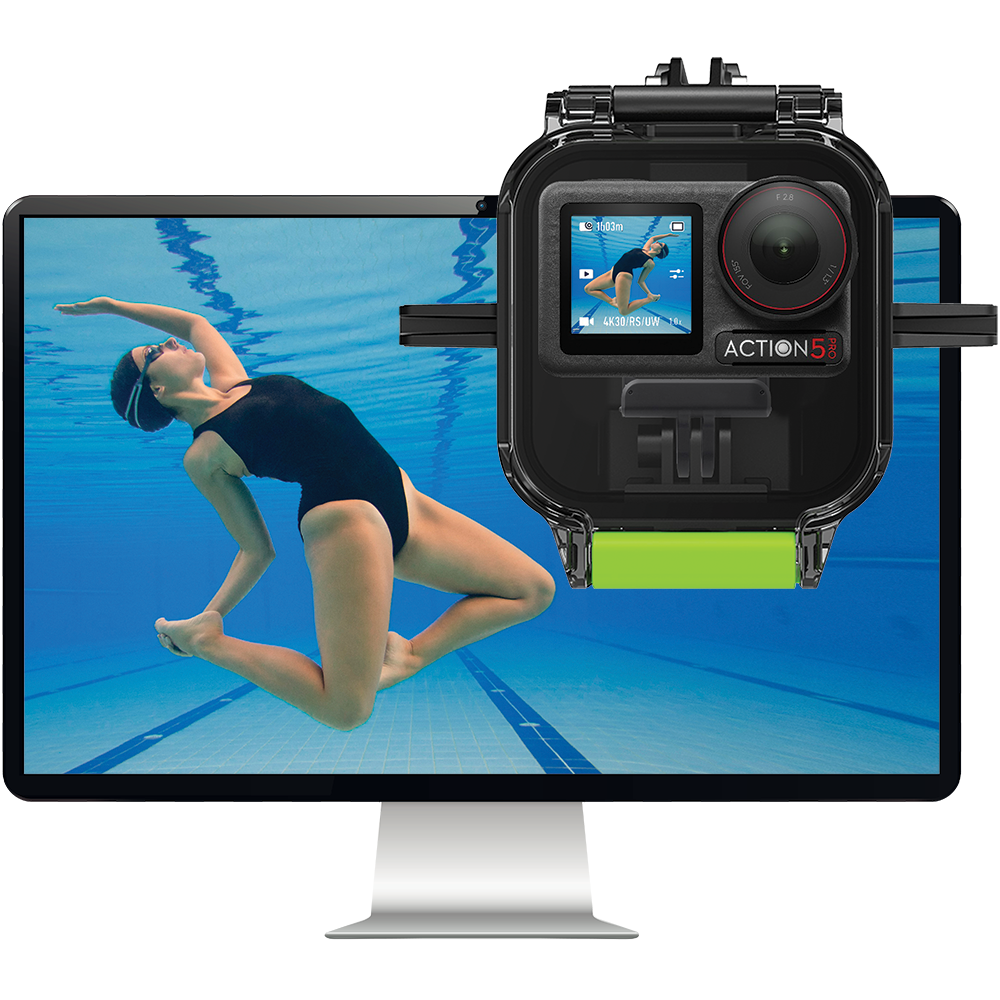
Explorer+ Pro Kit:
https://seavu.com/product/explorer-plus-adventure-kit/
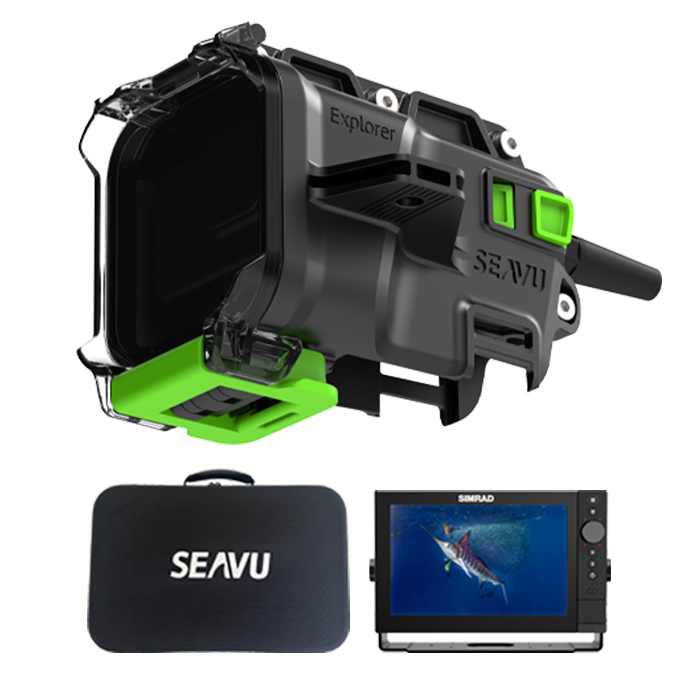
Explorer+ is the right direction when you want live viewing on larger screens, longer runs, or professional monitoring workflows where wired video output is preferred.
DJI app link: live view and camera control
For phone and tablet control, you will use the DJI app. Here is the official DJI download page: DJI Mimo.
Which Seavu kit should you choose for DJI Action 6 live view?
- Live view on phone or tablet:
Choose Seeker Marine Kit. - Housing based underwater viewing and filming:
Choose Explorer Adventure Kit. - Live view on TVs, monitors, computers, and pro systems:
Choose Explorer+ Pro Kit or Explorer+ Adventure Kit.
Final thoughts
The DJI Action 6 is a strong underwater camera, and its 20m rating makes it easier than ever to shoot underwater without extra gear. But for live view, WiFi physics still rules the outcome. So if underwater live view is the goal, pairing the Action 6 with the right Seavu kit is the simplest way to get a reliable result.