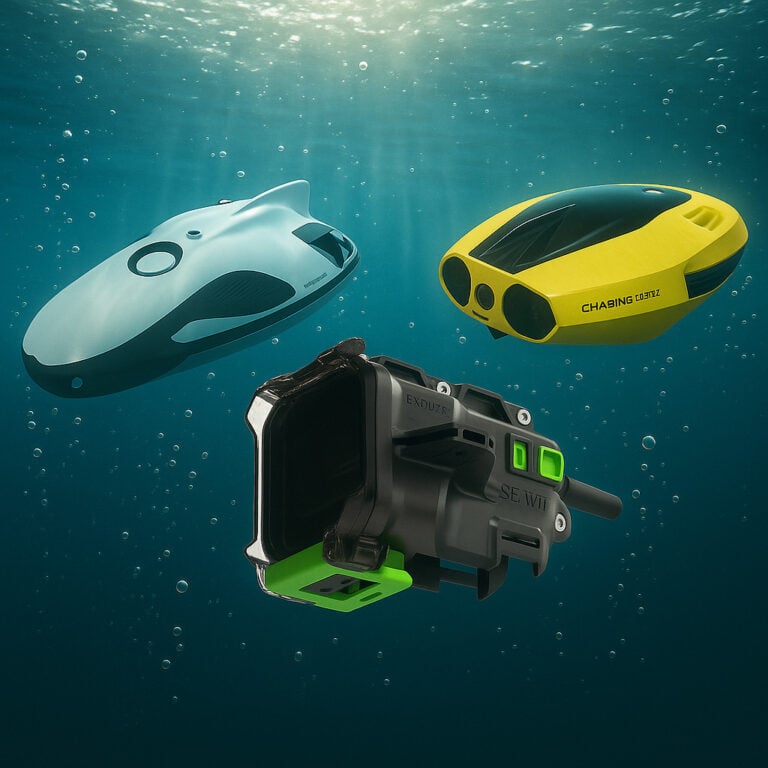
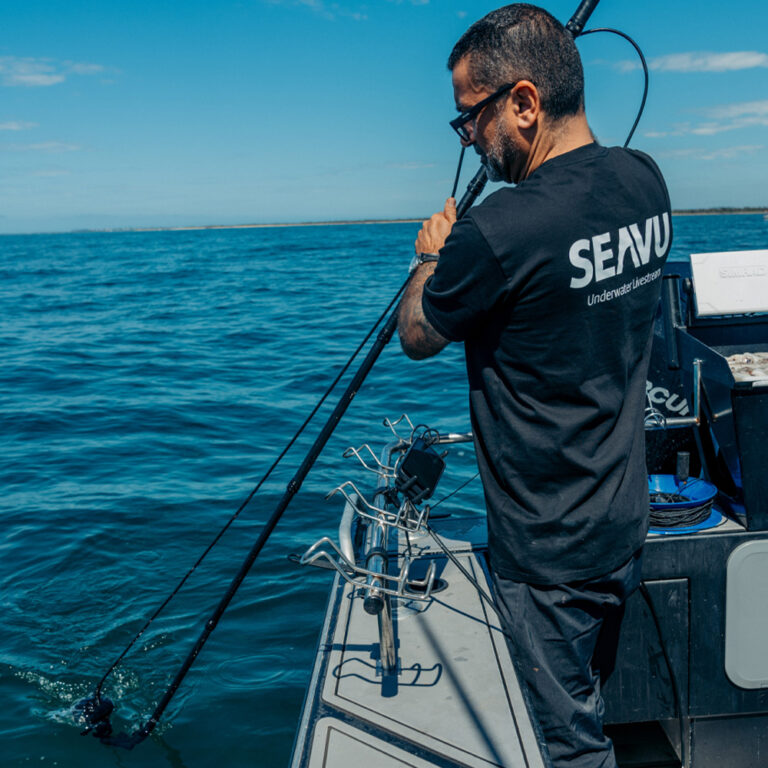
Connect a live underwater feed to compatible Simrad, Garmin, or Lowrance displays using an underwater camera HDMI system.
If you fish from a boat, you already know how much happens out of sight. Lures can track differently with small speed changes, bait can sit higher or lower than you think, and fish often follow without you ever seeing them. That is why more anglers are looking for a fish finder camera setup, so they can get a real time underwater feed on the same screen they are already watching all day.
The challenge is not recording, it is live viewing. To watch underwater footage while the camera is submerged, you need a system that can deliver a clean video signal to a display. In practical terms, that usually means an underwater camera HDMI setup that can connect to a TV, monitor, computer, or compatible marine display.
In this guide, we will cover the simple pathway to a reliable fish finder camera setup, including what works on popular brands like Simrad, Garmin, and Lowrance, how to choose the right connection, and how Seavu kits fit into real world fishing use.
What anglers want from a fish finder camera
- Lure and bait action, how lures swim, smoke, and track at your real boat speed
- Spread position, how teasers, dredges, or baits sit in clean water versus prop wash
- Fish behaviour, follows, interest, and commits you never see from the deck
- Depth and stability, how steady the camera runs and what it is actually showing underwater
Why live viewing underwater is different to recording
Most action cameras are built to record great footage, but live viewing underwater is a different job. When the camera is submerged, you need a reliable way to send a clean video signal back to the surface. Wireless can be convenient for setup above water, but it is not the dependable option once the camera is underwater, especially when you are moving. That is why serious fishing setups usually move toward a cabled video workflow where possible.
The key question, does your fish finder support video input
This is the step most people skip. Not every fish finder or chartplotter accepts an external video feed, and input types vary by model.
- Some units support HDMI input on larger displays and specific series
- Some units support composite video input using dedicated video ports and adapters
- Some units support no external video input, in which case you will use a separate monitor
If you want a simple rule that stays true across brands, always check your exact model for its supported input type before buying cables or adapters.
Underwater camera for fish finder, the simplest reliable path
For trolling and offshore fishing, the most reliable pathway is:
- Use a camera system that can output video while underwater
- Convert the camera output to a format your display can accept
- Run that signal over a stable long distance cable to your boat screen
This is where an underwater camera HDMI system becomes the practical solution. Many marine displays that accept video feeds do so via HDMI on higher end models, and some accept composite video with the right adapters.
Explorer+ Adventure Kit, built for underwater camera HDMI over distance
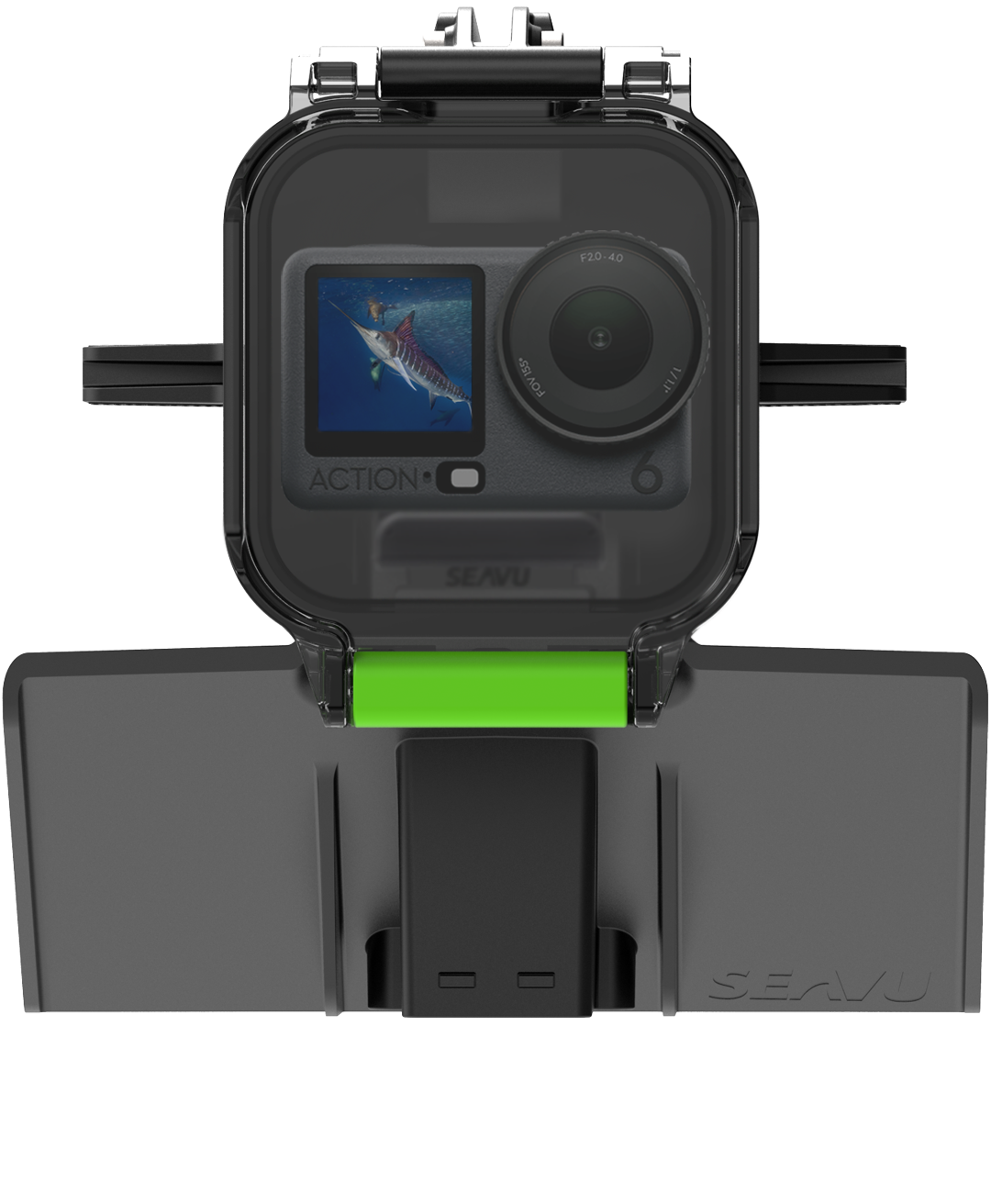
The Seavu Explorer+ Adventure Kit is designed for customers who want stable live underwater viewing on screens, including fish finder displays that accept video input.
Important detail, Explorer+ Adventure Kit is a DisplayPort system with HDMI output. The camera outputs video via USB C DisplayPort Alt Mode, and the USB C to HDMI DisplayPort adapter is integrated inside the housing. That is what enables longer HDMI cable lengths using Seavu’s fibre optic HDMI Media Cable, which is ideal for trolling setups where your screen is a long way from your camera position.
If you are trying to solve the core problem, a clean video out connection while the camera is submerged, this integrated in housing conversion is the breakthrough that makes long run underwater camera HDMI practical on a boat.
Chartplotter guide
The Explorer+ Adventure Kit outputs HDMI video. Use this guide to choose the right connection for your display.
Brand references:
Lowrance
Garmin
Simrad
HDMI, no adapter required
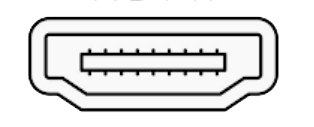
Connects directly to displays with an HDMI input.
Compatible displays: Lowrance HDS-12 Live, Lowrance HDS-16 Live, Garmin GPSMAP 8400 and 8600, Simrad NSS 4, plus TVs and monitors with HDMI.
Lowrance 7 pin RCA adapter
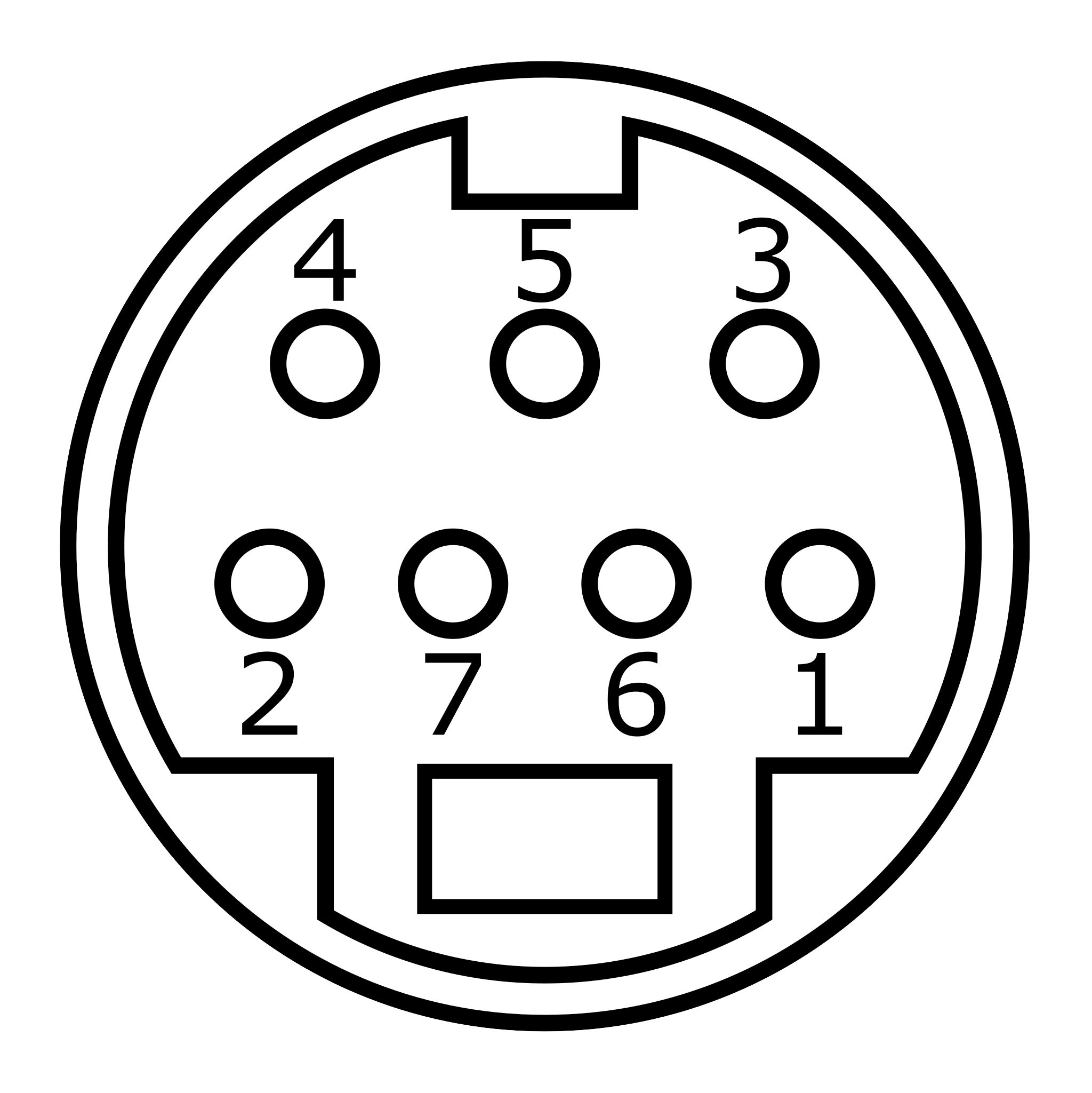
For Lowrance chartplotters with a 7 pin blue composite video input.
Includes: HDMI to RCA adapter, Lowrance 7 pin video cable.
Compatible displays: Lowrance HDS-9 Live and older Lowrance HDS models.
Simrad 8 pin RCA adapter
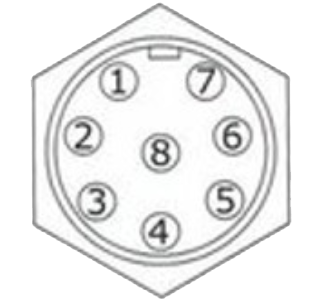
For Simrad units with an 8 pin NMEA and composite video input.
Includes: HDMI to RCA adapter, Simrad 8 pin video cable.
Compatible displays: Simrad NSS evo3, evo3S, NSS 4, NSO evo2, NSO evo3.
Note: You may need an HDMI extension cable between your DisplayPort HDMI adapter and the RCA adapter or chartplotter. The required length will depend on your setup and the size of your boat.
Trolling setup tips for a cleaner, more useful live view
- Keep it in clean water, avoid prop wash if your goal is lure action and fish behaviour
- Choose the right angle, a slight downward angle usually shows lure tracking and followers best
- Stability matters, use fins and weight to reduce rolling and keep the image readable at speed
- Plan your cable run, tidy cable management reduces snag risk and makes retrieval faster
Recording options while you view live
Once you have your live view running, you can usually record in two ways:
- Record to the camera, simple and portable, great for later lure reviews
- Record to a computer, ideal for long sessions, logging, or content workflows using a capture device
Which Seavu kit should you choose for fishing
- Live view to fish finder, monitor, or TV, Explorer+ Adventure Kit
- Alternative DisplayPort workflow option, Explorer+ Pro Kit
- Live view to phone or tablet on deck, Explorer Adventure Kit
- Phone or tablet viewing, deeper options, Seeker Marine Kit
To see all Seavu setups built for fishing, visit our Fishing underwater camera page: https://seavu.com/underwater-activities/fishing/
Final thoughts
If you are searching for a fish finder camera, you are really searching for a reliable way to see what is happening underwater in real time while you fish. That live view can turn guesswork into confidence, whether you are trolling, drifting, or sitting at anchor. With the right underwater camera HDMI system, you get a clear feed to the screen you already trust, so you can make smarter adjustments and learn faster, trip after trip.