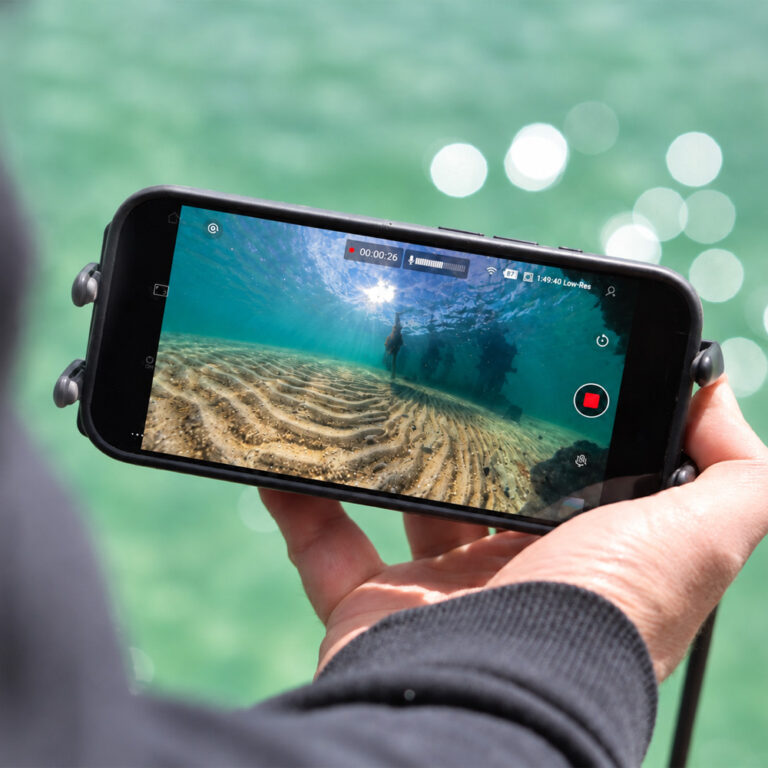
Real world GoPro underwater settings for clearer footage, better colour, and consistent results below the surface
Getting the right GoPro underwater settings makes a huge difference to video quality. In this guide, we break down the best GoPro underwater settings for real world use, how they perform below the surface, and how to get clearer, more consistent results.
Underwater conditions are very different to shooting above water. Light drops quickly, colours shift, and visibility can vary depending on depth and environment. Because of this, default settings often do not always deliver the best results.
This guide covers the best settings for modern GoPro cameras, including the GoPro HERO13 Black, HERO12, and HERO11, along with practical tips based on real world underwater use. If you are comparing complete setups, you can also explore our underwater camera kits and our guide to underwater cameras.
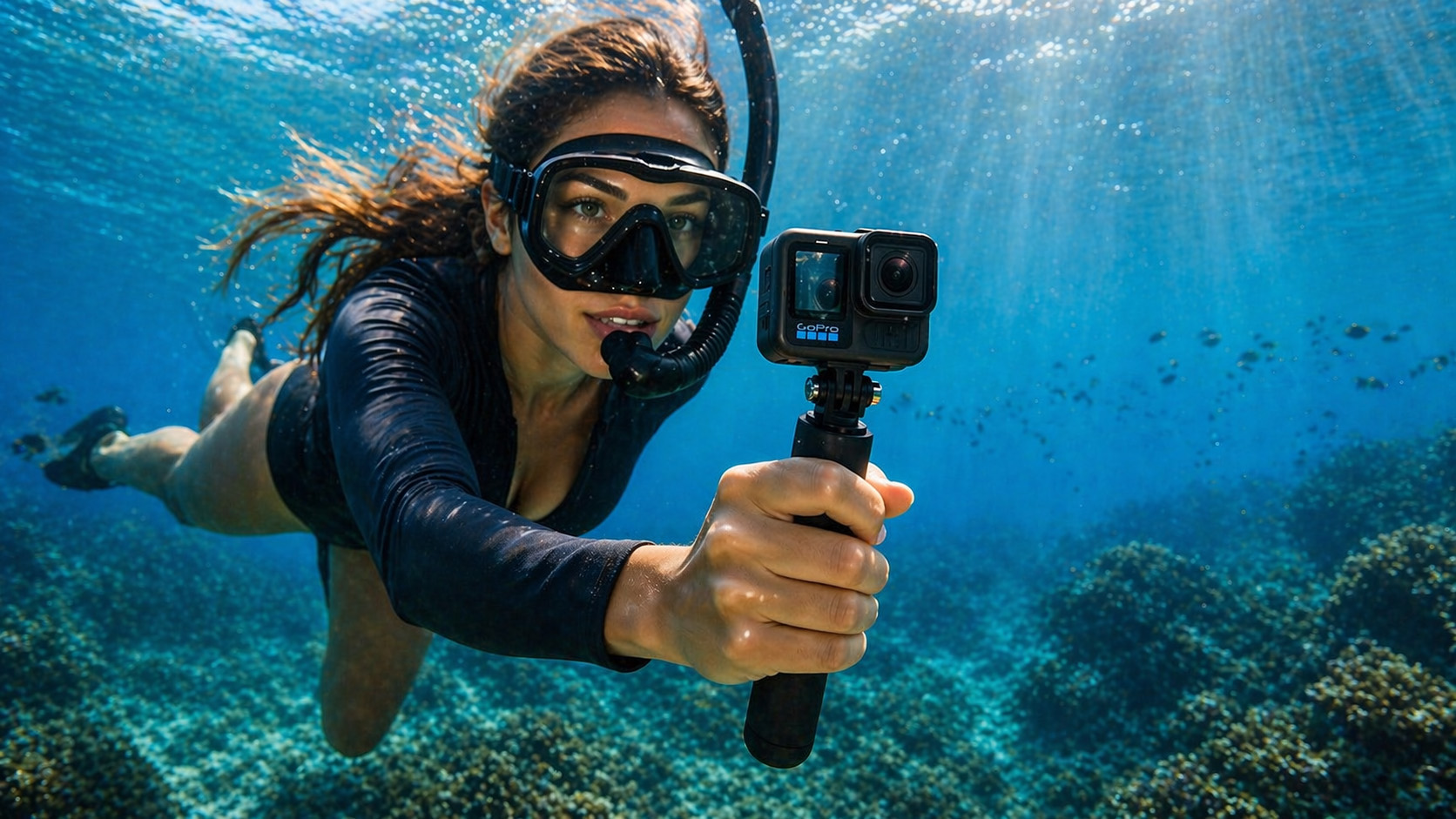
Quick Recommended Setup
If you want a simple starting point, use this setup:
- Resolution: 2.7K
- Frame Rate: 50fps
- ISO: 100 to 400
- White Balance: AWB (Auto White Balance)
- Lens: Wide
- Stabilisation: On
This works well in most underwater conditions and is a reliable baseline.
Easy Mode Underwater Settings (Quick Setup)
If you want a simple, reliable setup, GoPro’s Easy Mode is a good starting point.
Recommended setup in Easy Mode:
- Resolution: 2.7K
- Frame Rate: 50fps
- Lens: Wide
- Stabilisation: On
- White Balance: AWB (Auto White Balance)
Easy Mode works well in shallow, well lit water, where lighting conditions are relatively stable. However, it has limitations. You cannot control ISO, colour, or fine tune exposure, which can lead to less consistent results in deeper or more challenging environments.
Pro Controls: Best GoPro Underwater Settings
For the best results underwater, Pro Controls are recommended. These give you more control over exposure, colour, and image quality.
Recommended GoPro Pro Controls for Underwater Use
| Setting | Recommended | Why it matters |
|---|---|---|
| Resolution | 2.7K | Sharp footage without unnecessarily large file sizes |
| Frame Rate | 50fps | Smoother motion for fish, current, and moving scenes |
| Lens | Wide or Linear | Wide captures more, Linear reduces distortion for accuracy |
| ISO Min | 100 | Keeps noise low in brighter conditions |
| ISO Max | 400 (up to 800 in low light) | Prevents excessive grain and noise underwater |
| White Balance | Auto (or 5500K for consistency) | Auto adapts to changing light, manual keeps colour consistent |
| Colour | Flat | Preserves more detail for colour correction later |
| Sharpness | Low | Avoids harsh, over-processed looking footage |
| Stabilisation | On (test in your setup) | Helps smooth motion but can introduce tilt underwater |
These GoPro underwater settings provide a strong balance between clarity, smooth motion, and low noise for most underwater situations.
What is Protune?
Protune is GoPro’s advanced settings system, now built into Pro Controls on newer cameras.
It allows you to adjust key settings such as ISO limits, white balance, colour profile, and sharpness. Many users still refer to these settings as Protune, especially on older GoPro models. On newer models, these same controls are accessed through Pro Controls.
Using Protune through Pro Controls gives you more consistent exposure, better colour control, and improved overall image quality underwater.
Best Settings by Application
General Underwater Use – Recommended Settings
| Setting | Recommended | Why it matters |
|---|---|---|
| Resolution | 2.7K | Delivers sharp detail without creating large file sizes |
| Frame Rate | 50fps | Smoother motion for fish, current, and fast moving scenes |
| ISO Max | 400 | Limits noise and grain, which is more noticeable underwater |
| White Balance | Auto | Adjusts automatically to changing light conditions with depth |
| Colour | Flat | Retains more detail for colour correction during editing |
Fishing and Live Observation – Recommended Settings
| Setting | Recommended | Why it matters |
|---|---|---|
| Resolution | 2.7K | Clear detail without unnecessary processing or file size |
| Frame Rate | 30 to 50fps | Balances smooth motion with better low light performance |
| ISO Max | 400 | Keeps noise low while maintaining usable brightness |
| White Balance | Auto | Adapts to changing light conditions as depth and water clarity shift |
| Lens | Wide | Covers more area, making it easier to spot fish and movement |
For fishing and live observation, prioritise visibility and stability over maximum resolution.
Low Light or Deeper Water – Recommended Settings
| Setting | Recommended | Why it matters |
|---|---|---|
| Resolution | 2.7K | Maintains clarity while allowing better low light performance |
| Frame Rate | 30fps | Lower frame rate lets in more light, improving brightness |
| ISO Max | 800 | Boosts brightness in darker conditions, but increases noise if pushed too high |
| White Balance | Auto or Manual | Auto adapts to changing depth, manual can help maintain consistent colour |
| Sharpness | Low | Prevents noise and grain from looking overly harsh |
In deeper water, light drops rapidly, so lowering frame rate and carefully increasing ISO helps maintain usable, balanced footage.
Research and Measurement Applications – Recommended Settings
| Setting | Recommended | Why it matters |
|---|---|---|
| Resolution | 4K | Higher resolution allows for more accurate analysis and measurement |
| Frame Rate | 30fps | Provides stable footage while maintaining good image quality |
| Lens | Linear | Reduces distortion, ensuring shapes and distances remain accurate |
| ISO Max | 400 | Keeps noise low, which is critical for analysing fine detail |
| White Balance | Manual | Maintains consistent colour, important for comparisons and analysis |
Avoid wide lens distortion where accurate measurements and visual analysis are required.
4K vs 2.7K: What Should You Use?
While 4K is often recommended, it is not always necessary underwater.
In most situations, 2.7K at 50fps is a better choice because:
- It reduces file size
- It improves playback performance
- It provides smoother motion
- It still delivers excellent image quality
4K is useful if you need maximum detail or plan to crop footage later. However, for most general underwater use, 2.7K gives a better balance of quality and practicality.
ISO Settings Explained
GoPro uses automatic ISO, but you can control the range it operates within.
For underwater use:
- ISO Min: 100
- ISO Max: 400 (or up to 800 in low light)
This allows the camera to adjust exposure automatically while preventing excessive noise. Keeping ISO low is one of the most important factors for clear underwater footage.
White Balance: Auto vs Manual
Auto white balance, or AWB, works well for most underwater situations, especially when depth and lighting are constantly changing.
Manual white balance can be useful if:
- You want consistent colour across clips
- You are filming at a fixed depth
- You plan to colour grade footage later
For most users, AWB is the simplest and most effective option.
Colour Profiles: Flat vs Natural
GoPro offers different colour profiles, typically Flat and Natural.
- Flat captures more detail and dynamic range, making it ideal if you plan to edit your footage later
- Natural applies more colour and contrast in-camera, making footage ready to use with little or no editing
For underwater filming, Flat is often preferred because it preserves more detail and gives you more flexibility in post editing. If you want quicker results without editing, Natural can still work well, especially in clear water.
Settings Based on Depth
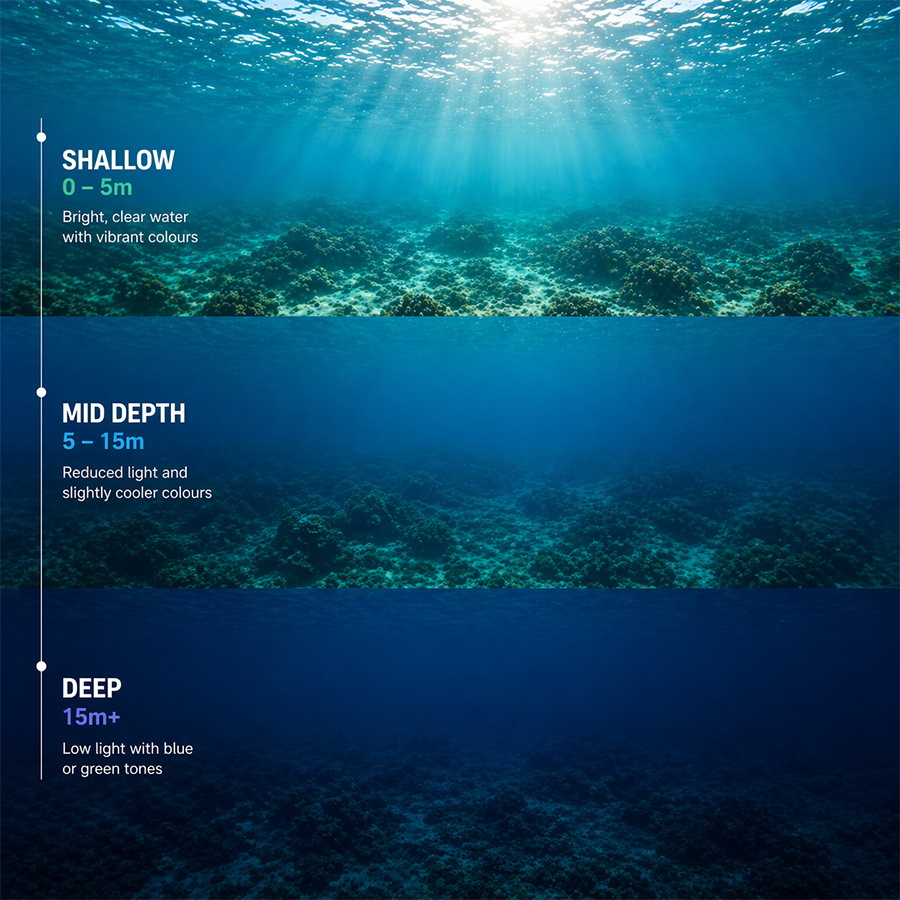
Shallow Water (0 to 5m)
- Plenty of light
- AWB works well
- Low ISO is sufficient
Mid Depth (5 to 15m)
- Reduced light
- Colours begin to shift
- Manual white balance may help
Deep Water (15m+)
- Low light conditions
- Higher ISO may be required
- Footage becomes more blue or green
Adjusting settings based on depth improves consistency and clarity.
Water Clarity and Conditions
Water clarity has a major impact on your footage.
- Clear water: better colour, lower ISO, sharper image
- Murky water: reduced visibility, more noise, less detail
In murky water, we have found camera positioning often makes a bigger difference than changing camera settings.
Lens Choice and Distortion
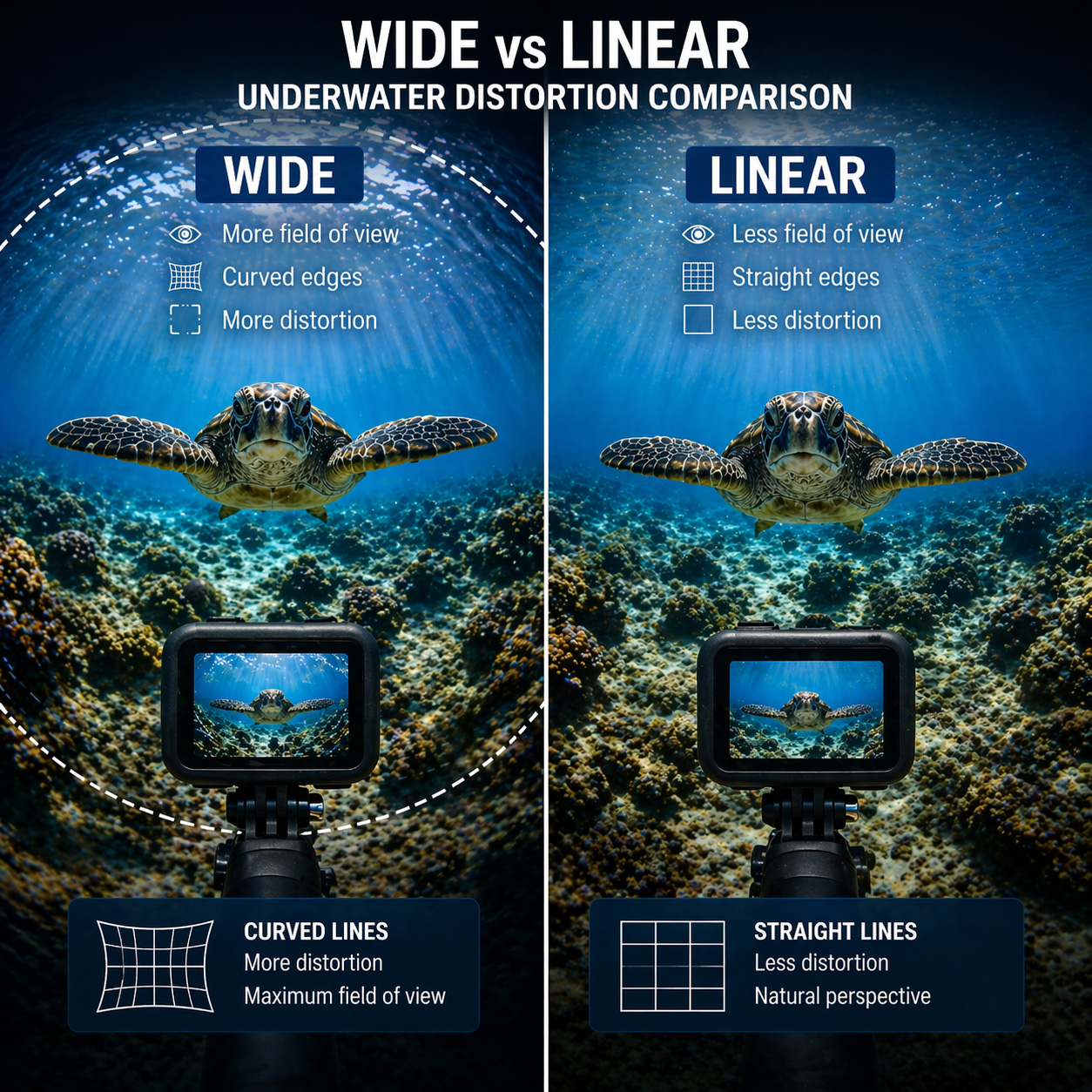
Wide lens modes capture more of the scene, but they can introduce distortion.
This can be an issue for:
- Research
- Measurement
- Accurate visual analysis
Use Linear lens mode where accuracy matters.
Stabilisation (HyperSmooth) Considerations
GoPro stabilisation works well above water, but underwater it can behave differently.
In our testing, we have occasionally seen the camera introduce slight tilt underwater, even when mounted level. In some cases, the camera appears to struggle to determine orientation once submerged.
Stabilisation can still be useful, but it is worth testing in your setup to see what works best.
GPS: What Works and What Does Not
GoPro GPS can be useful for marking your location before deployment.
However, once underwater, GPS no longer works. Location data is only captured while the camera is above the surface.
Do You Need Underwater Filters?
Underwater filters were traditionally used to correct colour loss, especially in shallow water.
Modern cameras and editing tools mean they are no longer essential in many situations. In most modern setups, we have found filters are no longer required, especially if you plan to adjust colour in post.
However, filters can still be useful if:
- You want better colour straight out of camera
- You are filming in shallow, clear water
- You are not planning to edit footage
For most users, filters are optional rather than required.
Using the GoPro Quik App
The GoPro Quik app allows you to:
- Preview your camera feed
- Adjust settings
- Start and stop recording
- Change modes remotely
This is very useful when setting up your camera above water.
Can You Use Live View Underwater?
GoPro cameras rely on WiFi and Bluetooth for live preview and control. These signals do not work underwater. You can learn more about why this happens in our guide to why WiFi does not work underwater.
Once submerged:
- Live preview is lost
- You cannot see what the camera is capturing
- Positioning becomes guesswork
Without live viewing, you are effectively filming blind. Learn more about why this happens in our guide to underwater WiFi cameras.
A Better Way to View Underwater Footage
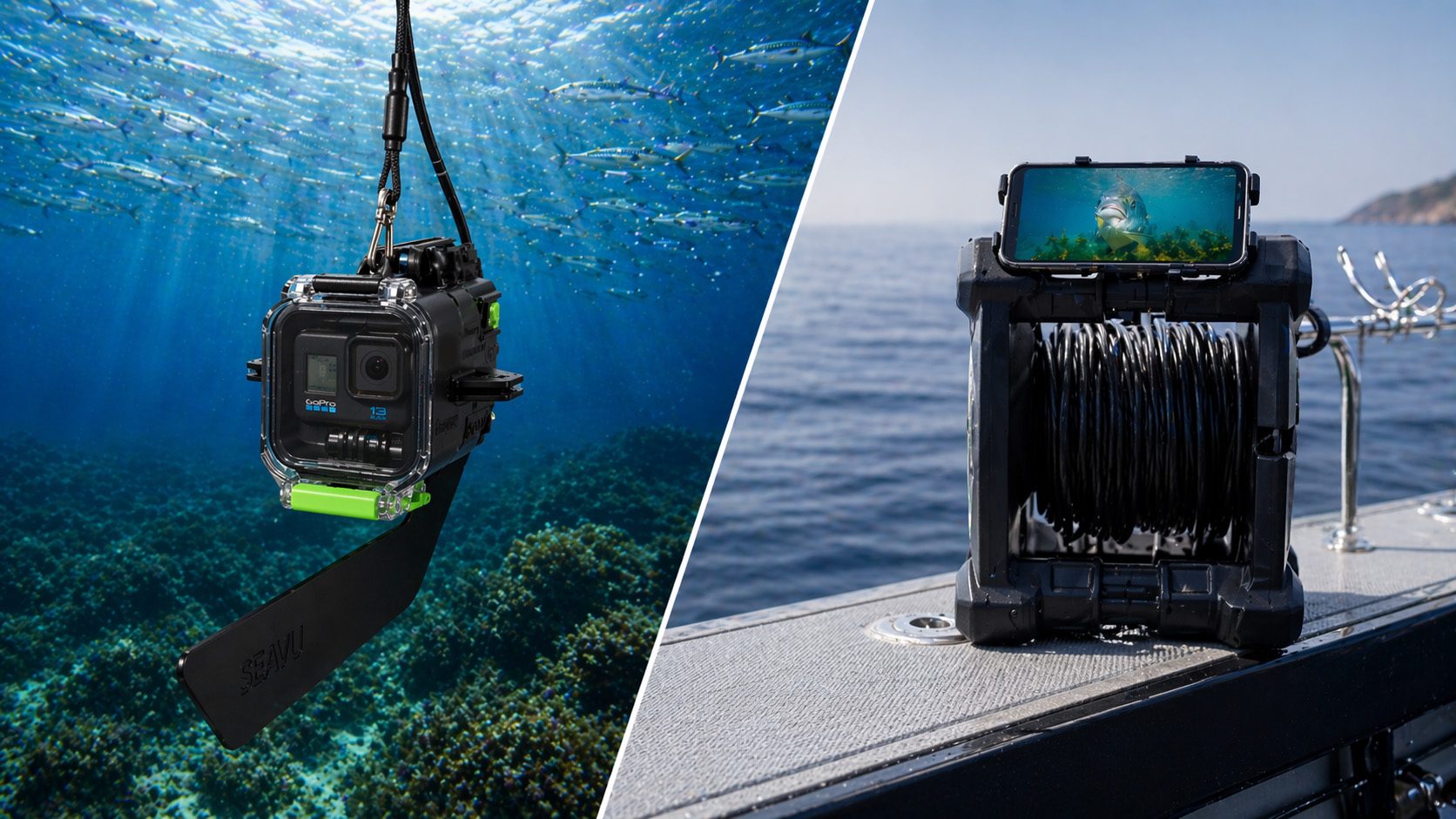
If you need to see what your camera is capturing in real time, a complete underwater camera system is required.
Standard GoPro setups rely on wireless connections, which stop working once the camera is underwater. This means you lose both visibility and control as soon as the camera is submerged.
In practice, this leads to:
- Poor framing
- Missed subjects
- Incorrect camera angles
- Multiple attempts to get usable footage
This is one of the biggest limitations of using a GoPro underwater on its own.
A complete underwater camera system solves this by maintaining a live connection to the camera while it is submerged.
Systems like Seavu underwater camera kits allow you to:
- View live footage on your phone or tablet
- Adjust camera position in real time
- Start and stop recording while underwater
- Switch between video and photo modes
- Change camera settings as conditions change
- Respond instantly to what is happening below the surface
- Capture more accurate and consistent results
Instead of relying on guesswork, you can see exactly what is happening and make adjustments immediately.
With live viewing and control, you have full visibility over your setup at all times.
Best Settings for GoPro HERO13

- 2.7K at 50fps
- ISO limited to reduce noise
- Auto or manual white balance
Best Settings for GoPro HERO12

- Similar performance to HERO13
- Use the same core settings
Best Settings for GoPro HERO11
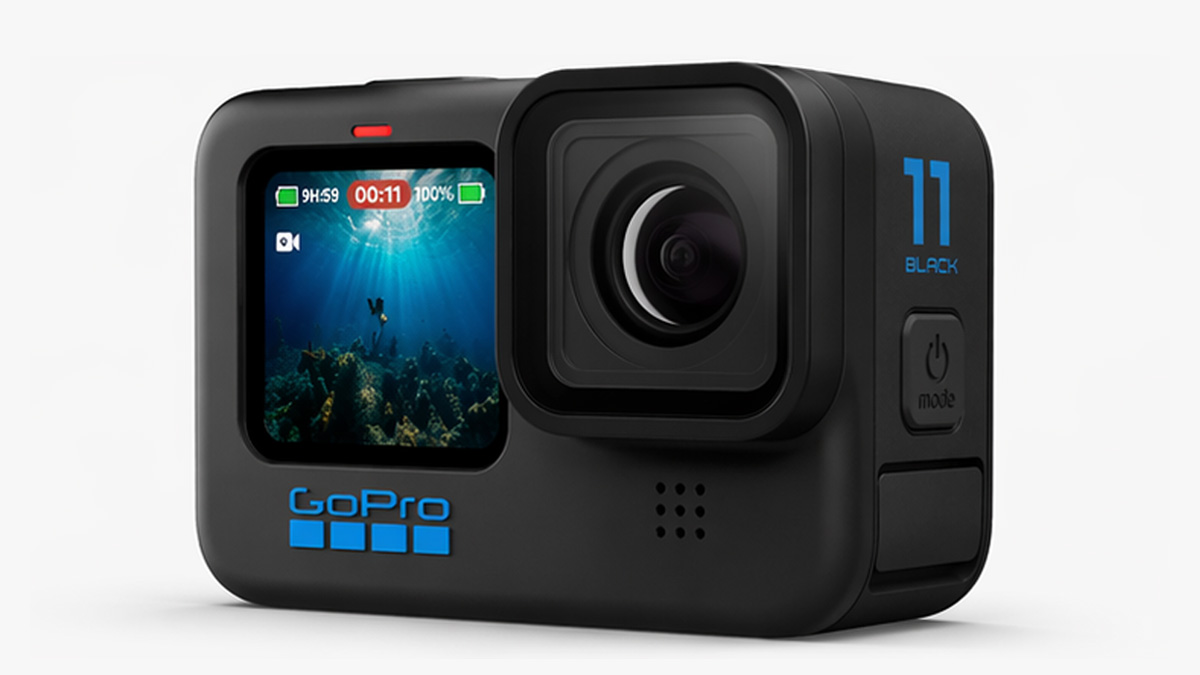
- 2.7K at 50fps
- Low ISO
- AWB works well
Common Mistakes
- Using high ISO
- Over sharpening footage
- Relying fully on auto settings
- Expecting live preview underwater
Getting the Best Results Underwater
The right GoPro underwater settings improve image quality, but visibility and positioning remain key challenges below the surface.
Being able to see what your camera is capturing in real time can significantly improve results. If you are comparing different setups, you can also explore our full guide to underwater cameras.