The Explorer+ Pro Kit uses a USB-C fibre-optic Media Cable to deliver DisplayPort video and power.
Follow these steps to get connected:
The Explorer+ Pro Kit uses a USB-C fibre-optic Media Cable to deliver DisplayPort video and power.
Follow these steps to get connected:

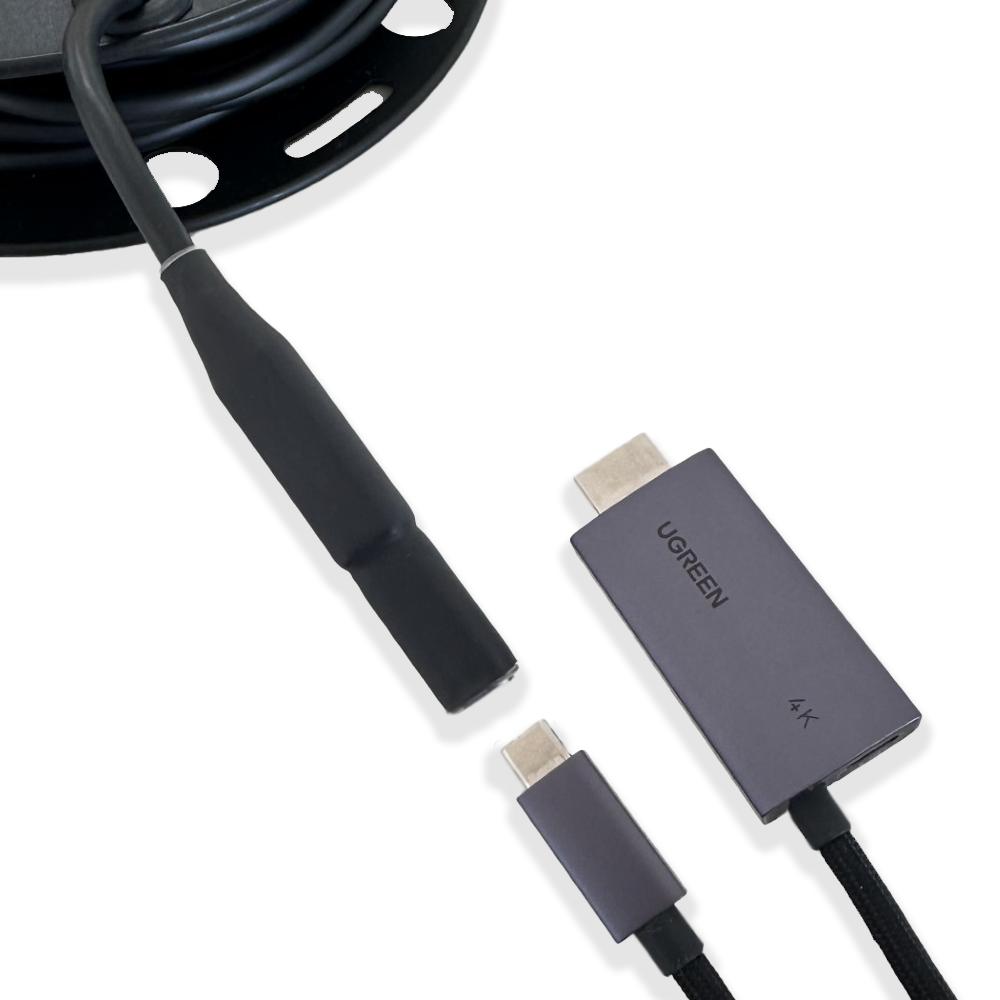
Plug the DisplayPort HDMI Adapter (with PD) into the other end of the Media Cable
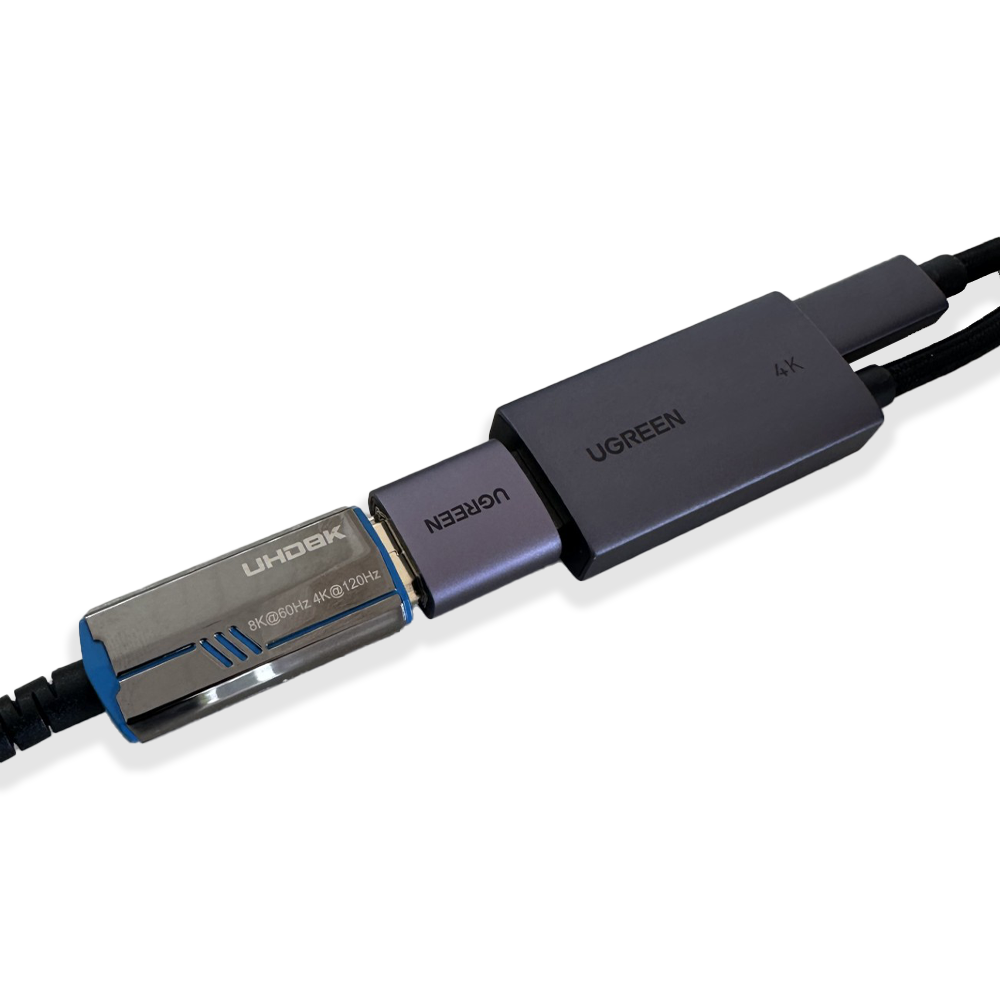
Plug the DisplayPort HDMI Adapter into a:
TV or monitor for direct viewing, or
4K Video Capture Card if connecting to a computer.
For longer distances, use a high-speed HDMI extension cable between the adapter and your display or capture device.
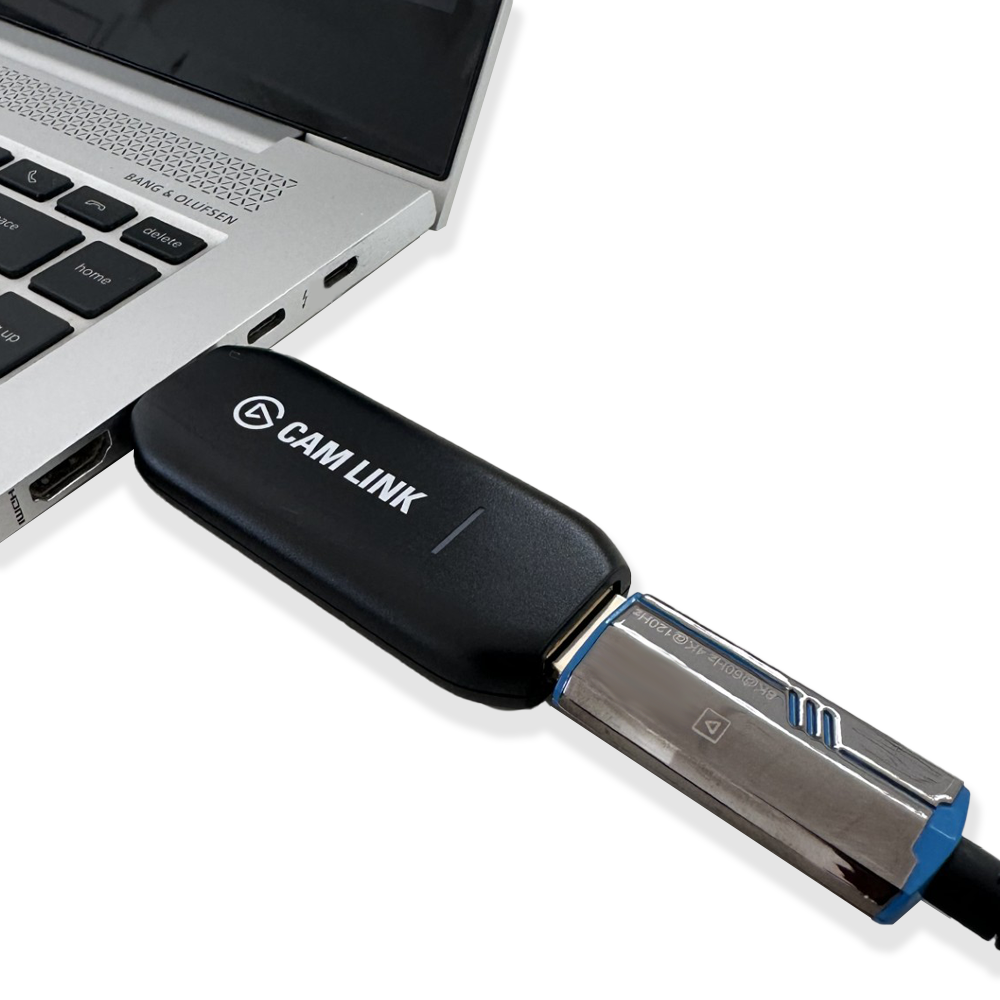
Insert the Video Capture Card into your computer’s USB-A or USB-C port (Using included USB-A to USB-C adapter).
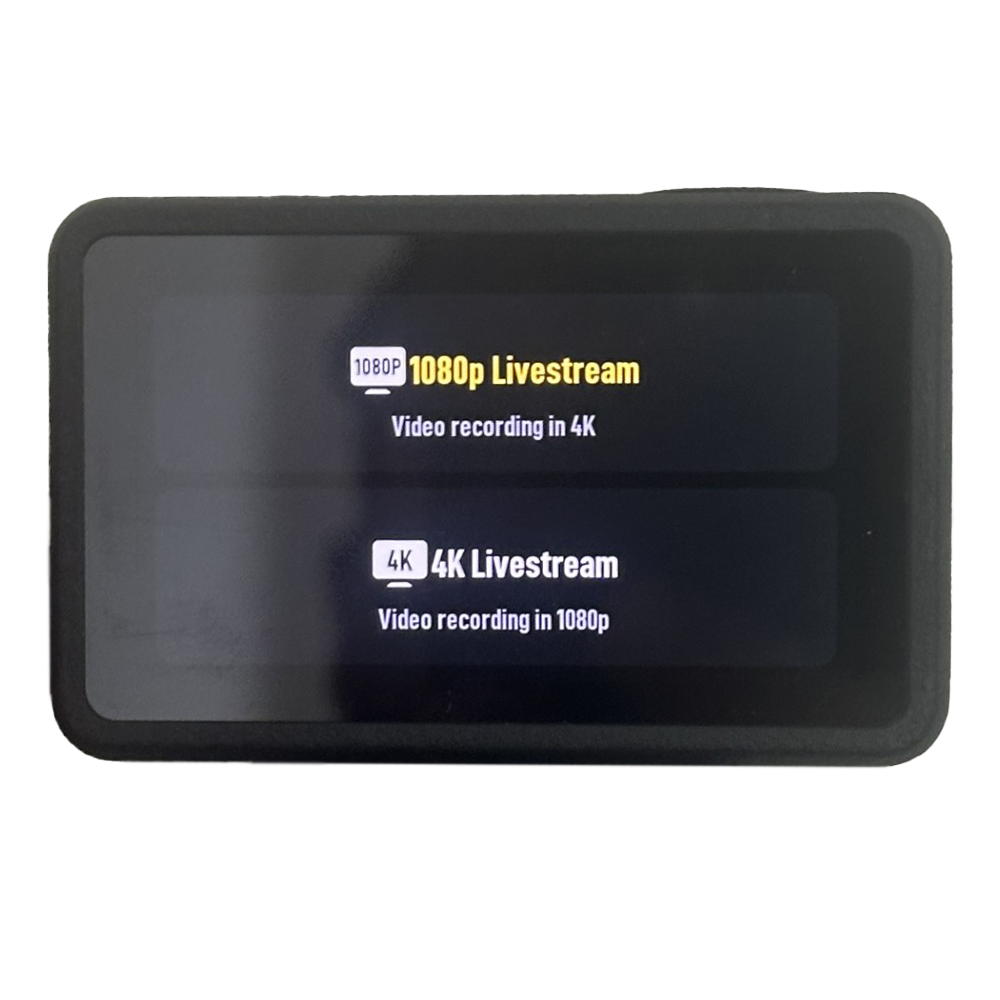
Once connected, your camera will display a prompt asking you to choose 1080p or 4K output.
Select your preferred resolution based on your display or capture device.
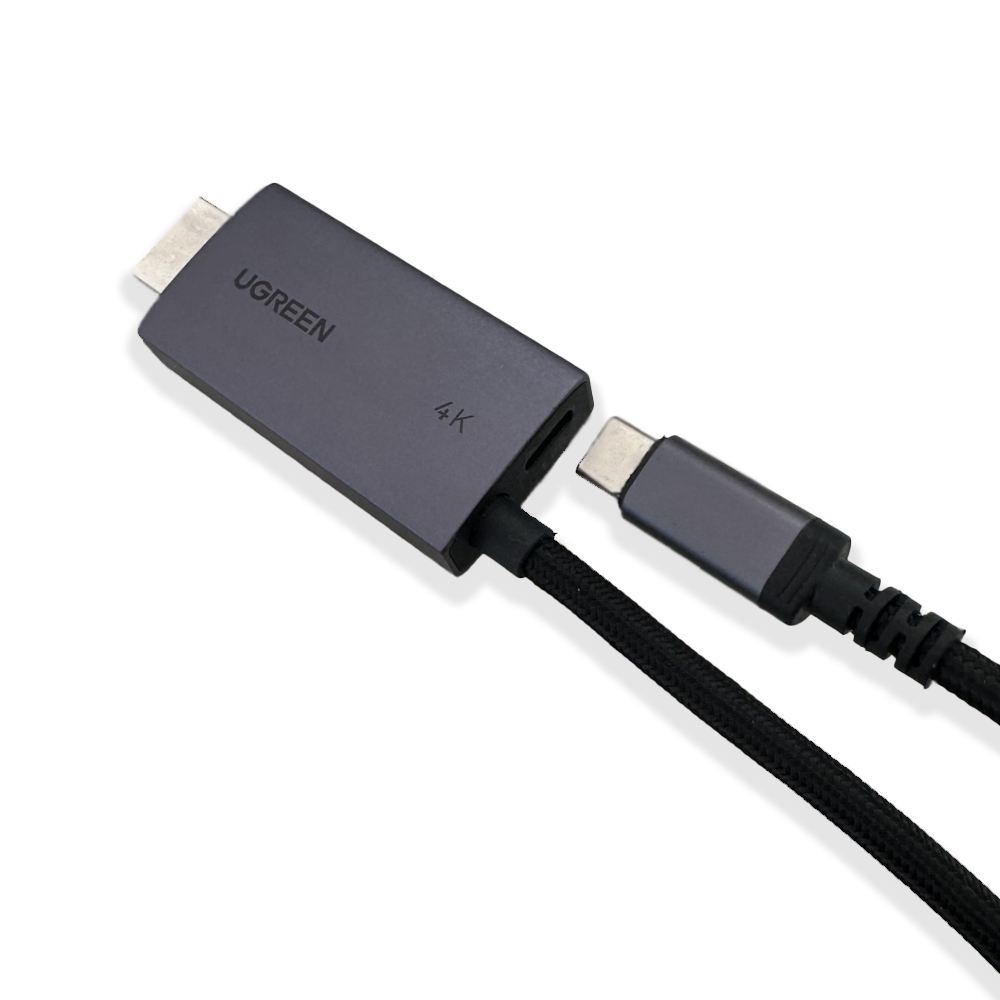
Plug a USB-C PD GaN charger (45W or higher) into the power input on the DisplayPort HDMI Adapter to supply continuous power to your camera.
Please click the link below to view the system diagram for a detailed layout of the set up:





Your cart is currently empty.
1.1 Definitions
In this Agreement the following definitions apply:
1.2 Interpretation
In this Agreement:
This Agreement commences on the Commencement Date and continues subject to any rights of early termination under clause 8 for a period of time set out in item 3 of SCHEDULE 1.
The Ambassador warrants during the Term of this Agreement that:
Each party must execute such agreements, deeds and documents and do or cause to be executed or done all such acts and things as necessary to give effect to this Agreement.

Typically replies within an hour
I will be back soon
Hey there 👋,
how can I help?


