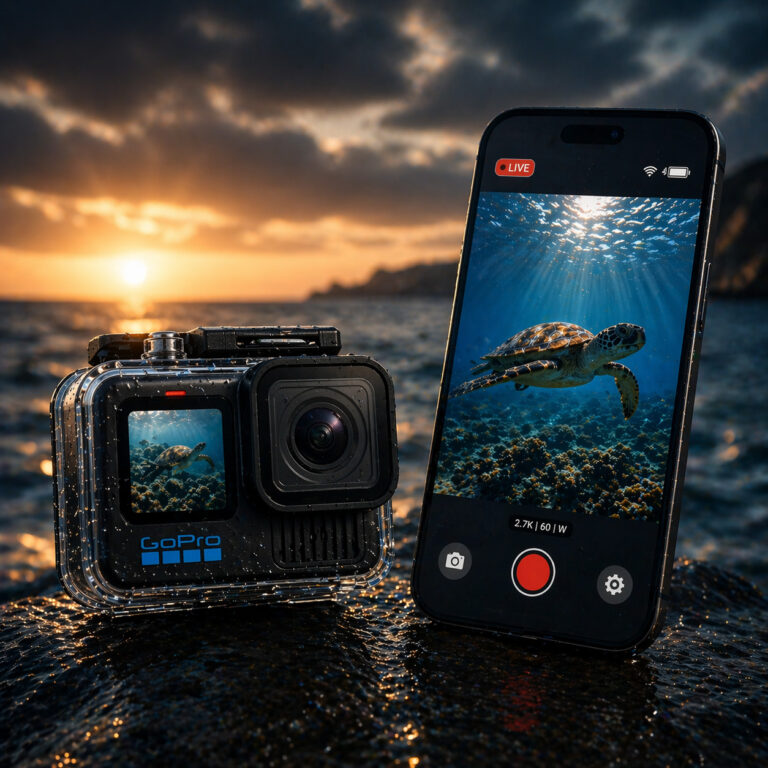
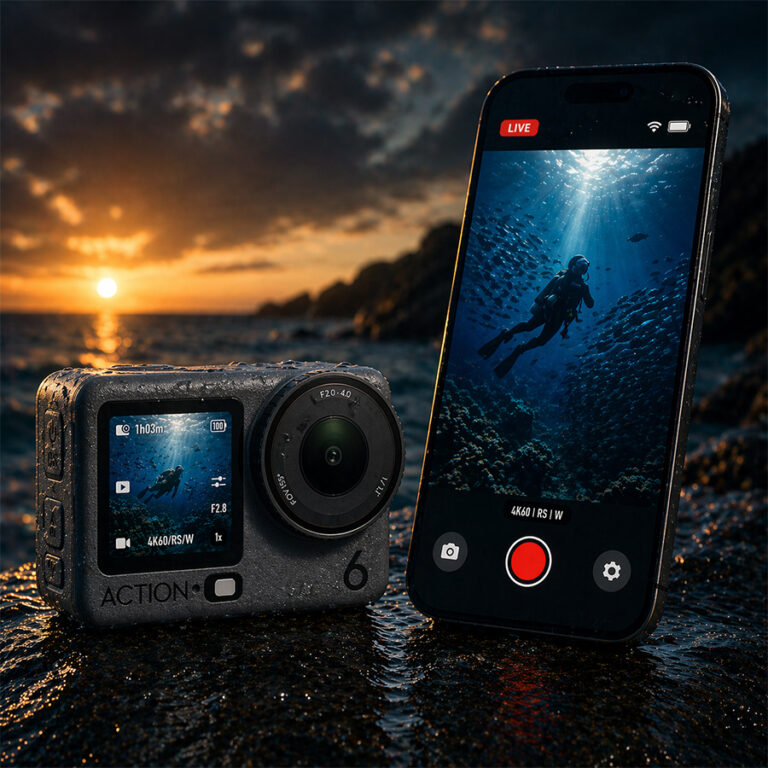
Practical setup guidance for streaming live underwater footage
Being able to livestream underwater footage in real time is useful for fishing, reef exploration, inspections, and underwater filming. However, action cameras cannot livestream underwater on their own. Once submerged, Wi-Fi and Bluetooth signals stop working almost immediately.
Water absorbs high-frequency wireless signals, including the 2.4GHz and 5GHz bands used by action cameras. As a result, live preview and camera control are lost as soon as the camera goes underwater. This limitation is explained in more detail in our guide on why Wi-Fi and Bluetooth don’t work underwater.
This article explains how GoPro and DJI action cameras can livestream underwater footage when used with Seavu systems. It focuses on practical setup differences between devices and the types of live-view systems available.
For a broader explanation of live underwater video systems and how they work, see our main guide on how to get a live underwater video feed from your action camera.
Why GoPro and DJI cameras cannot livestream underwater by default
GoPro and DJI action cameras include Wi-Fi and Bluetooth for live preview, camera control, and streaming. These features work reliably above water.
Underwater, the connection drops because water blocks wireless radio waves. Even shallow depth prevents a stable signal. Without a tethered or wired system, livestreaming underwater is not possible.
This behaviour affects all current GoPro and DJI models, including the GoPro HERO13 and DJI Action 5 Pro.
For a scientific explanation, see:
Why Wi-Fi Doesn’t Work Underwater – National Ocean Service
How Seavu enables underwater livestreaming
Seavu systems enable underwater livestreaming by carrying the camera’s signal to the surface using a physical connection. Instead of attempting to send wireless signals through water, the system keeps the wireless connection above the surface.
Livestreaming to a phone or tablet using tethered live-view systems
Tethered live-view systems are designed for mobile and field use. They allow GoPro and DJI cameras to stream live underwater footage to a phone or tablet using the camera’s native app.
How it works
- The camera is placed inside a waterproof housing.
- A receiver at the camera end captures the camera’s Wi-Fi and Bluetooth signals.
- A marine-grade tether cable carries the signal to the surface.
- A surface transmitter relays the signal to a phone or tablet.
- Live footage is viewed using GoPro Quik or DJI Mimo.
The tether does not transmit Wi-Fi through water. It carries the signal to the surface, where normal wireless communication resumes.
Compatible Seavu kits
- Seavu Seeker Kits – compact systems for poles, pots, and static mounts
- Seavu Explorer Adventure Kits – stabilised setups for drifting, trolling, or anchored use
These systems:
- Work with GoPro and DJI action cameras
- Support long cable lengths
- Use the camera’s native app for live view and control
- Prioritise portability and ease of setup
What you need to livestream underwater footage
For phone or tablet viewing
- GoPro or DJI action camera
- Seavu Seeker or Explorer Adventure kit
- GoPro Quik or DJI Mimo app
- Phone or tablet (iOS or Android)
Final thoughts
Livestreaming underwater footage requires more than an action camera alone. Wireless signals cannot travel through water, so a tethered or wired system is essential.
Tethered live-view systems allow GoPro and DJI users to livestream underwater footage in real time.
To explore available options, visit seavu.com.