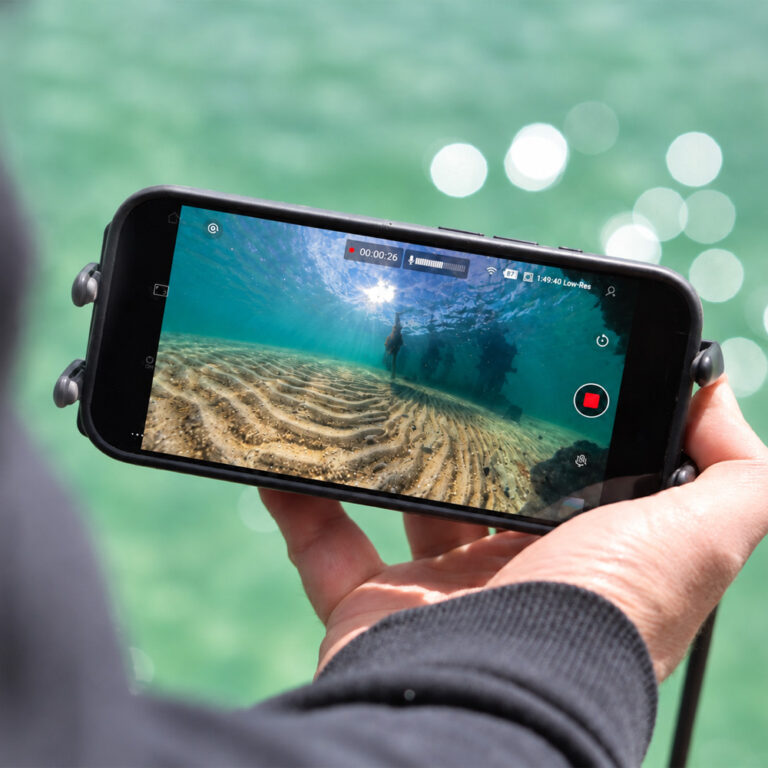
Since getting our hands on the DJI Osmo 360, we have been keen to see what it can do underwater. On paper it is a serious contender, but in real world use we hit one frustrating issue on both cameras we own: when the camera goes into the water, the lenses fog up on the inside and the footage is spoiled.
What causes the fogging?
The cause is condensation. Moisture trapped inside the sealed optical cavity turns into tiny droplets when the glass cools quickly. This is common across action and 360 cameras, but it is more noticeable underwater, where temperature changes are bigger.
DJI has acknowledged the issue. Their explanation is that humid air gets trapped inside the body, often during a battery swap, and condenses on the optics once the camera heats up. Their recommended fix is to run the camera with the battery compartment open for fifteen to twenty minutes before sealing it.
That matches our experience. On both of our units, fogging appeared almost as soon as the camera went into cooler water, even after preparation. Moving from warm air to cold water is the biggest trigger.
The official waterproof case is now out
DJI has now released the Osmo 360 Invisible Waterproof Case. It is rated to 50m, works with both the Osmo 360 and Osmo 360 II, and comes with anti-fog inserts.
A housing helps with fogging in two ways. The anti-fog inserts absorb moisture inside the case, and the case keeps the temperature more stable around the camera, reducing the thermal shock that causes condensation. It also corrects the underwater refraction that causes stitching errors on the bare camera.
The case sold out quickly and has been hard to find. If you plan to use it with the original Osmo 360, note that the camera does not yet have Waterproof Case mode, which DJI recommends using underwater. We cover stock, specs and Waterproof Case mode in our DJI Osmo 360 waterproof case article.
How to reduce fogging
- Ventilate before sealing: After charging or swapping the battery, leave the compartment open for fifteen to twenty minutes in a dry place, as DJI recommends.
- Minimise thermal shock: Keep the camera shaded and cool before going in the water. Avoid leaving it in the sun or a hot cabin.
- Use anti-fog inserts: Fit fresh inserts in the case every time you use it.
- Pre-dry your kit: Store the camera and case in a sealed box with fresh silica gel between sessions.
- Seal the case somewhere dry: Close the case indoors or in air conditioning, not in humid air on a boat deck.
- Skip the lens protectors underwater: DJI warns the Transparent Lens Protectors can cause fogging during water sports.
What about the Osmo 360 II?
The Osmo 360 II has user replaceable lenses, which may give you a way to dry out moisture behind the optics. DJI has not announced any specific anti-fog changes, though. We cover what the new model changes in DJI Osmo 360 II: Can DJI Fix What They Got Wrong?
Our testing
We now have the official case along with both cameras, and we are testing them with the anti-fog inserts. We will update this article with the results.
Once your case is fog free, you can also watch the Osmo 360 live from the surface. Read Live 360 Underwater Footage on Your Phone with the Seavu Orbit 360.